
01
The week
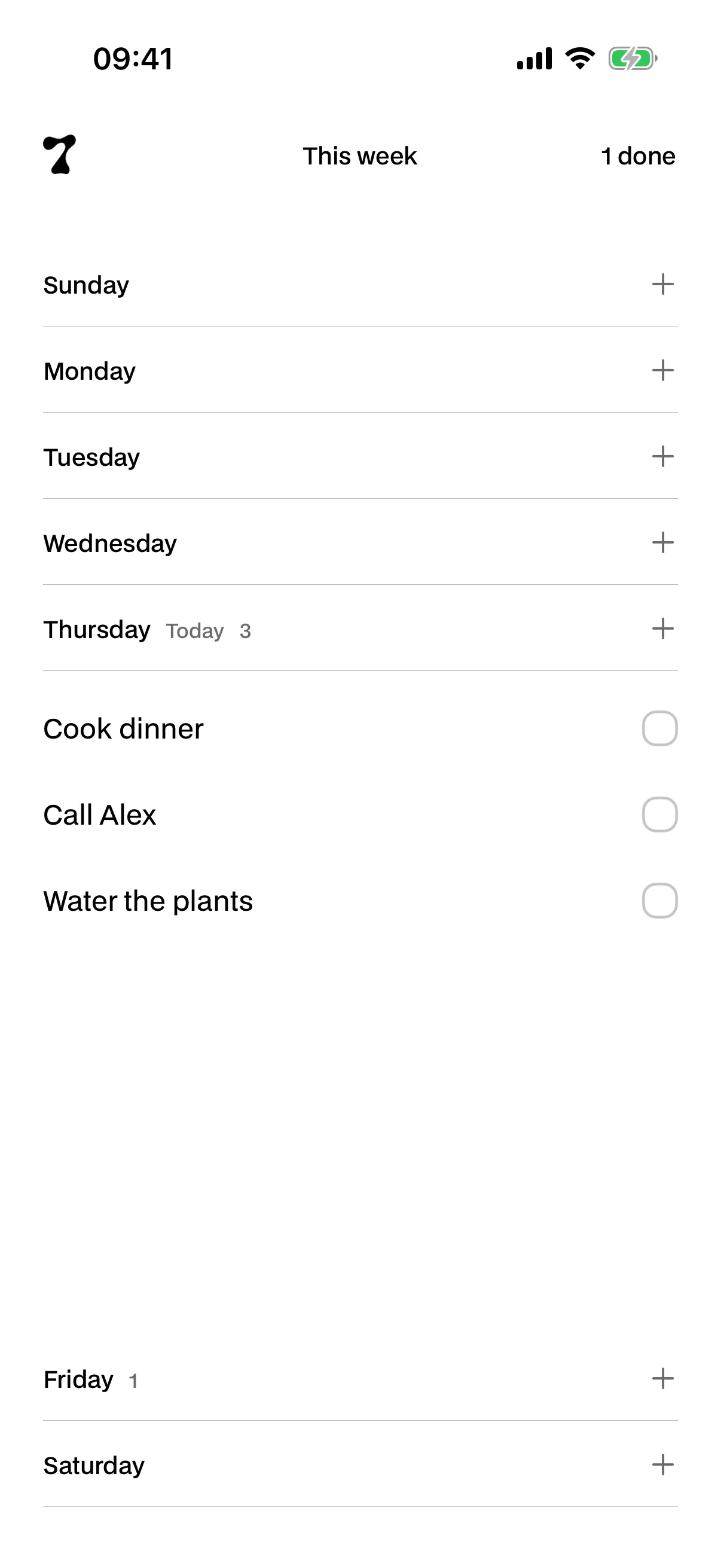
You see all seven days at once.
The week starts where your region says it starts. Tap a day and it opens; the others stay put so you know where you are.
Esta página también está en español.
Leerla en español7ODAY is a weekly planner for iPhone. You open a day, write what you have to do, and tick it off when it’s done. That’s the app.
Free to start. iPhone only, in seven languages.
Your tasks live on your phone, not on a server of ours. It’s made by one person, in Spain.
The problem
Inbox, projects, tags, priorities. You build the system, feed it for two weeks and then drop it. And the thing you had to do is still there, in your head.
Your week
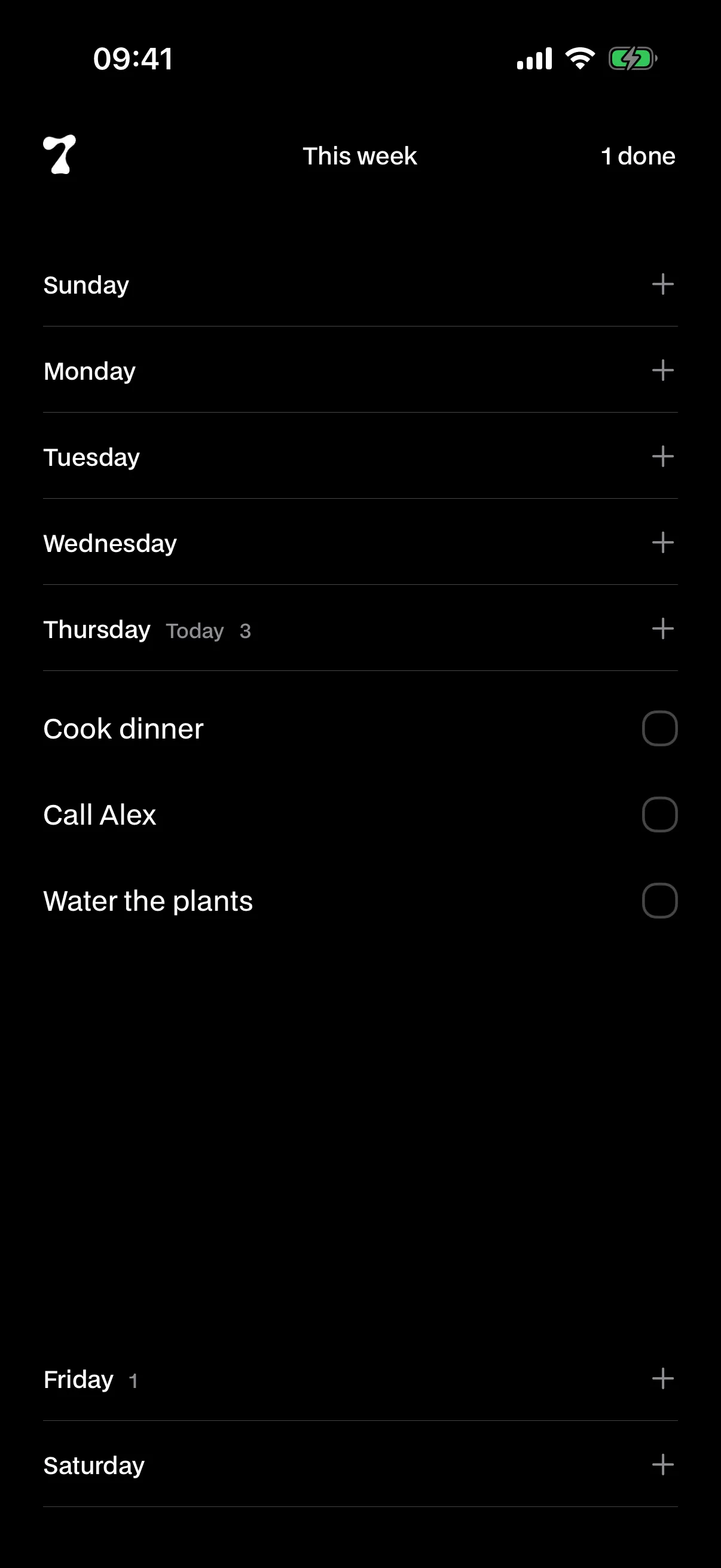
One day open at a time. The other six stay in view to keep you oriented.
01
The week
The week starts where your region says it starts. Tap a day and it opens; the others stay put so you know where you are.
02
Adding
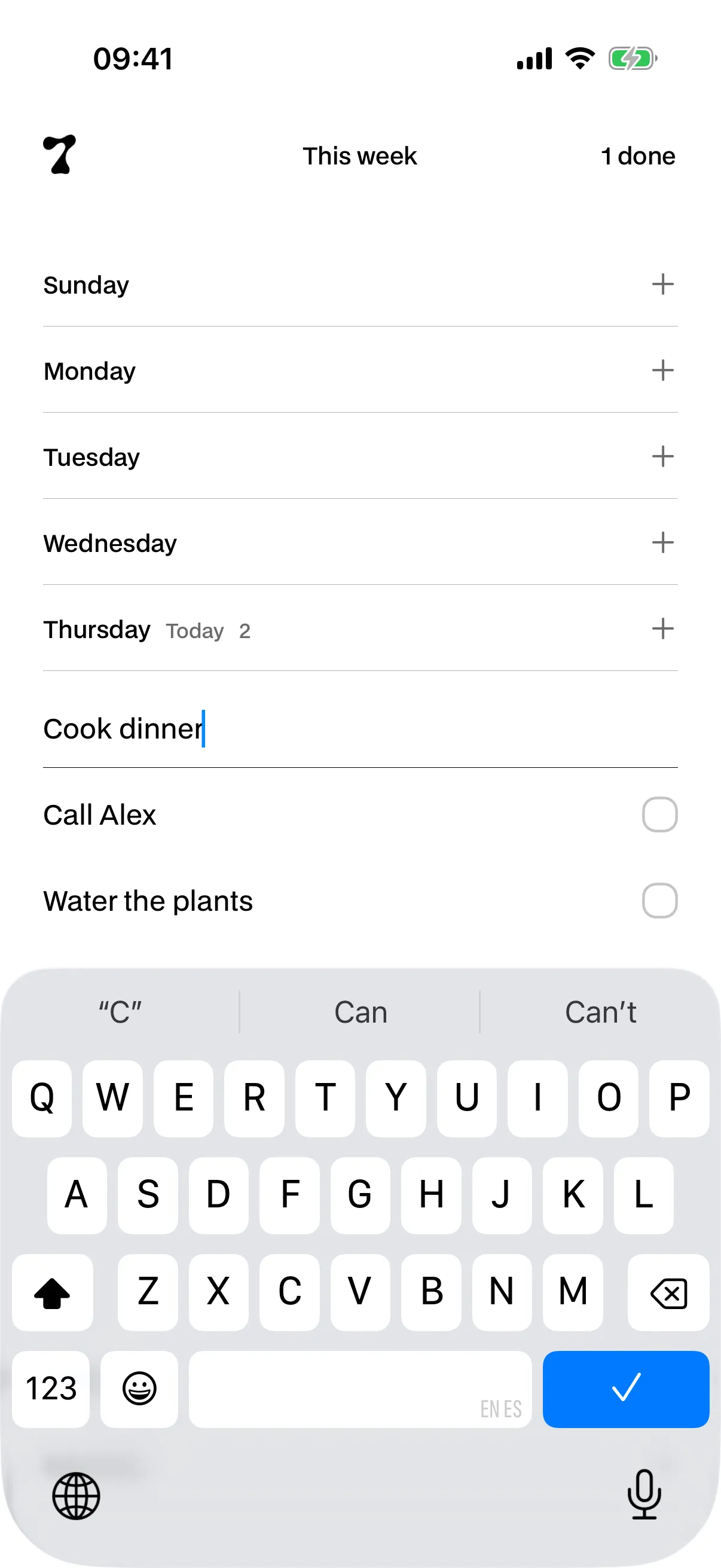
No form, no picking a project or a priority. Tap anywhere on the screen to confirm.
03
What’s left
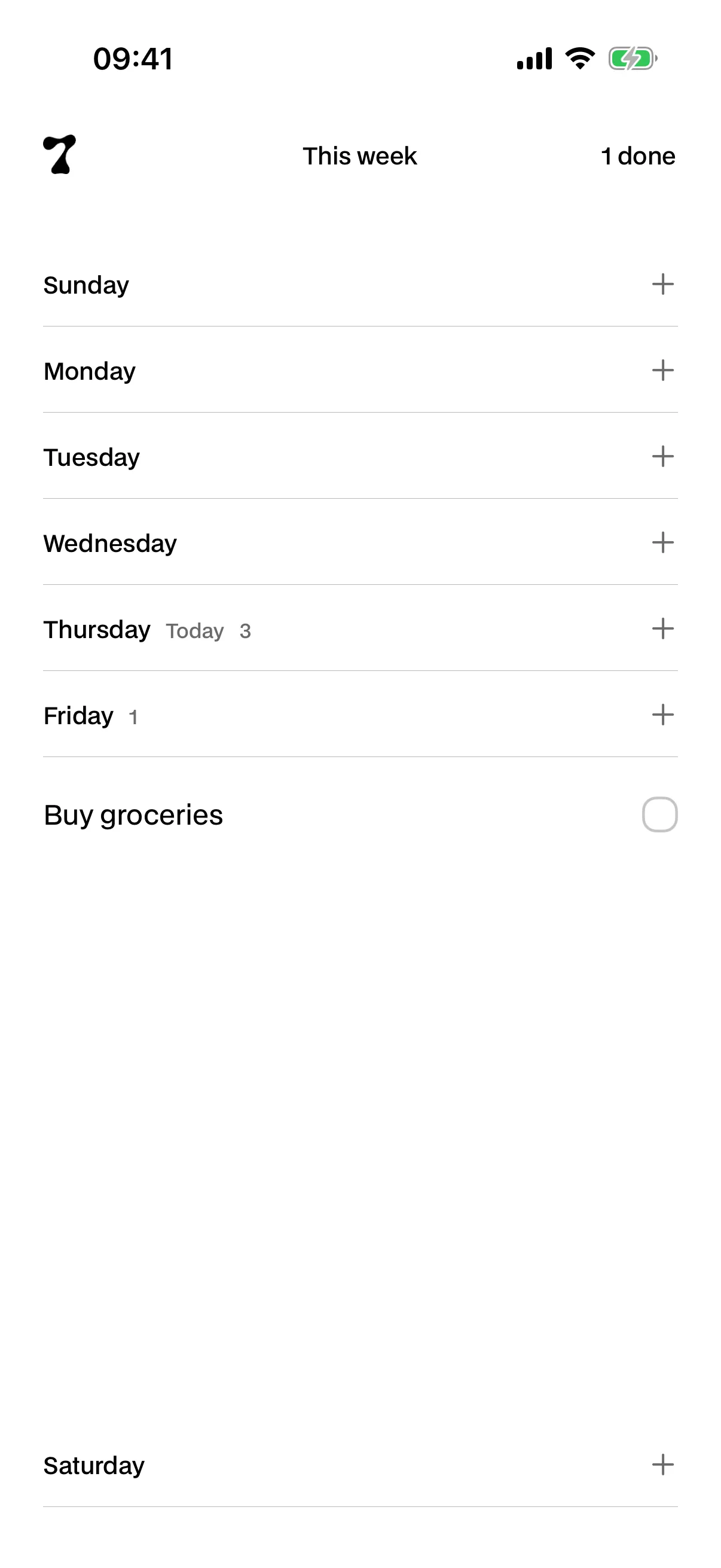
A task lives in its day on the board, not on a calendar date. When a new week starts, it’s still where you left it.
04
Without opening the app
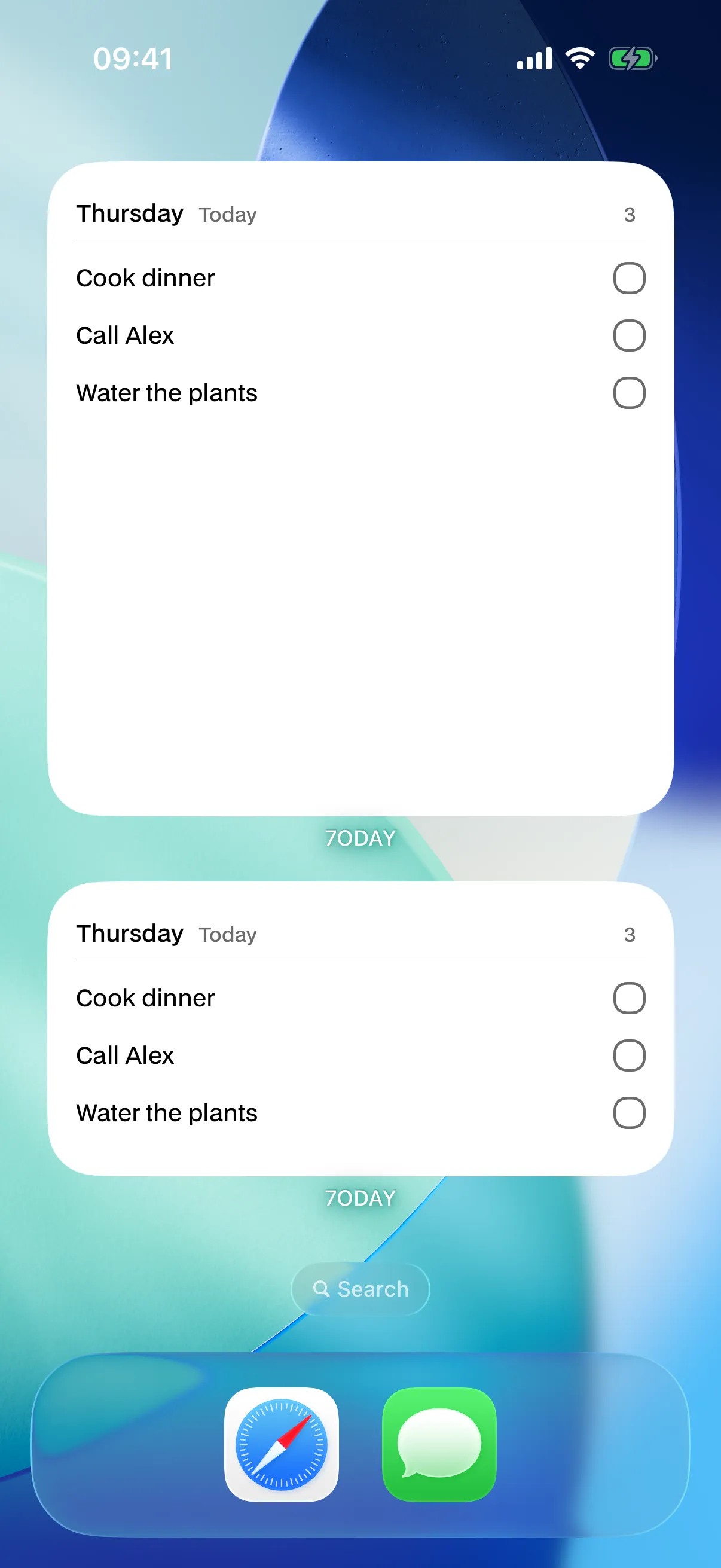
Two free widgets with today’s list. Tap the circle and the task is done without opening anything.
05
What’s done
Completed tasks fly into the week’s counter, and you can pull one back out if you were too quick.
There are no streaks to break.
There are no goals or badges.
There’s no account to create.
Just your week, and what you have to do.
Four tasks going at a time, both widgets and dark mode, without paying anything. Premium lifts the cap and adds iCloud sync, one notification a day, analytics, the large widget, a light or dark app icon, and starting the week clean.1
No. There’s no sign-up, no email, no password. You open the app and that’s it: your tasks live on your iPhone from the first second.
Four going at a time, counting all seven days together. Completing or deleting one frees a slot. It never stops you reopening something you’d already finished.
It stays in its day, waiting for you. It doesn’t delete itself and it doesn’t jump to tomorrow. If you’d rather start the week clean, there’s a switch for that: it’s off by default and it says exactly what it clears.
With Premium, over iCloud, in your account and your private space. Without Premium the app works the same, just on one device.
Yes, all of it. There’s no server of ours to reach. You only need a connection if you turn sync on.
No streaks, and that isn’t an oversight. A streak punishes exactly the person who misses a day, who is the one who needed the app most. There are analytics with Premium, but they only draw what you did and you have to go and look at them: they never jump out at you.
You lose nothing you already have. What gets limited is what you can add from then on, and you can still complete and reopen what’s there.
No. 7ODAY is iPhone only.